
No account needed to start
A pothole, a dead streetlight, dumped furniture. We file it through the responsible agency's own intake and track the reply back to you.
iOS Android
Scan with your phone
Sends you to the right storeOr open a listing directly: App Store · Google Play
Covers all 58 California counties.
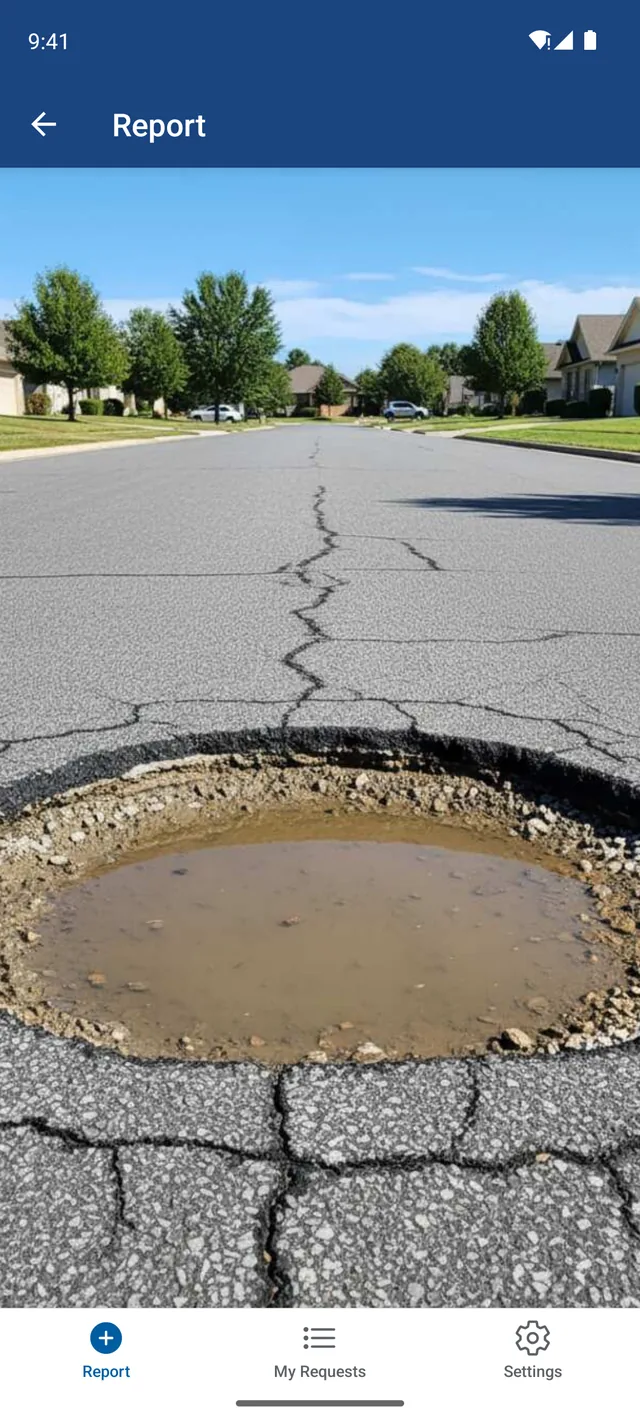
Three screens from the app, in the order you will meet them.
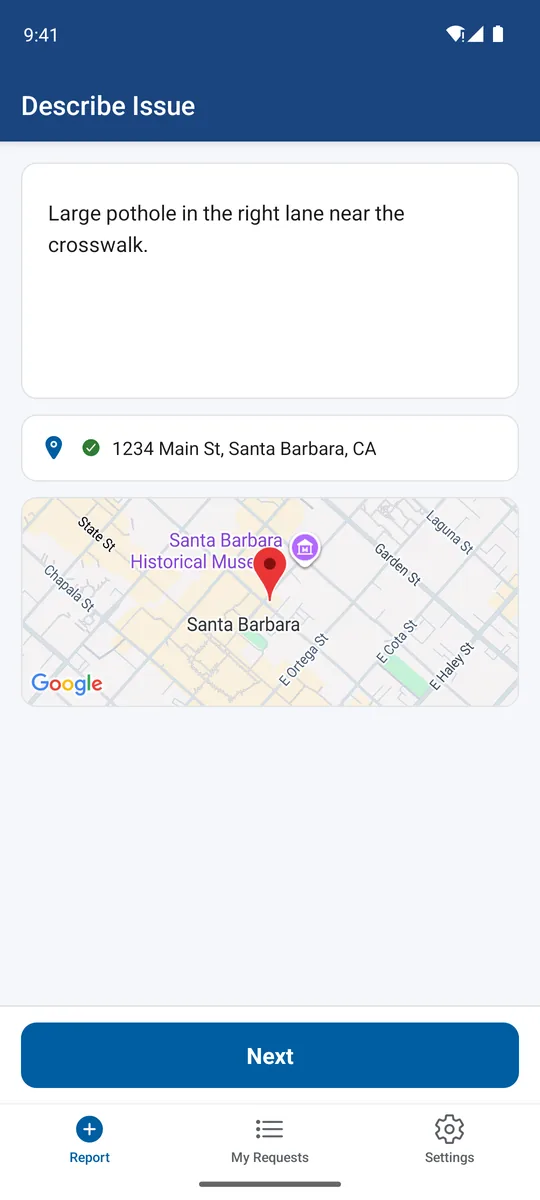
A photo, the location, and a sentence about what is wrong. You can speak it instead of typing, and you do not need an account to start.
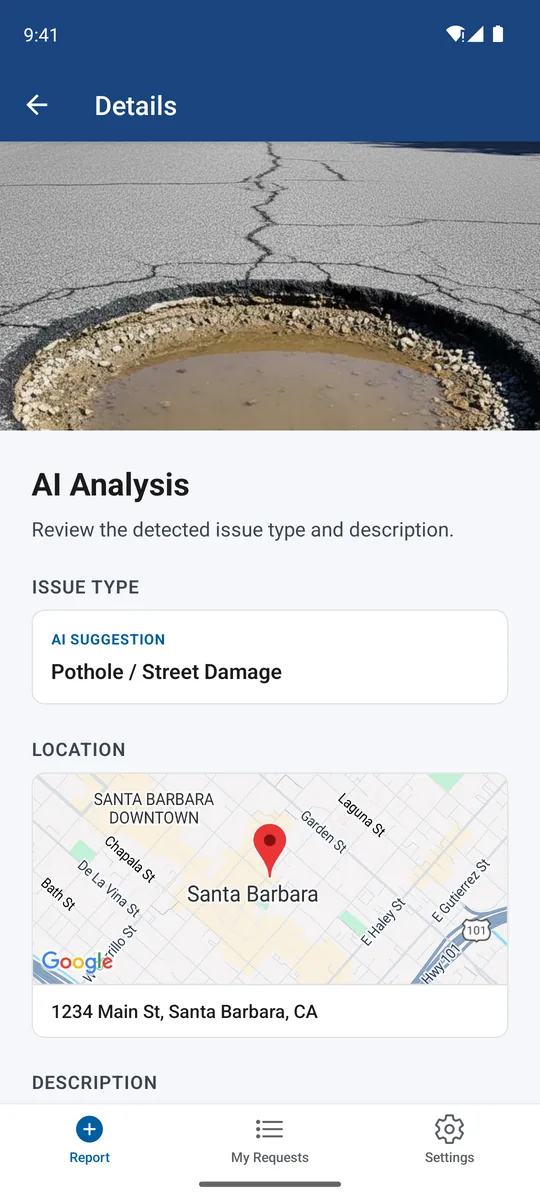
Your pin resolves to the city, county, or special district that actually owns the problem, and we file through that agency's official intake.
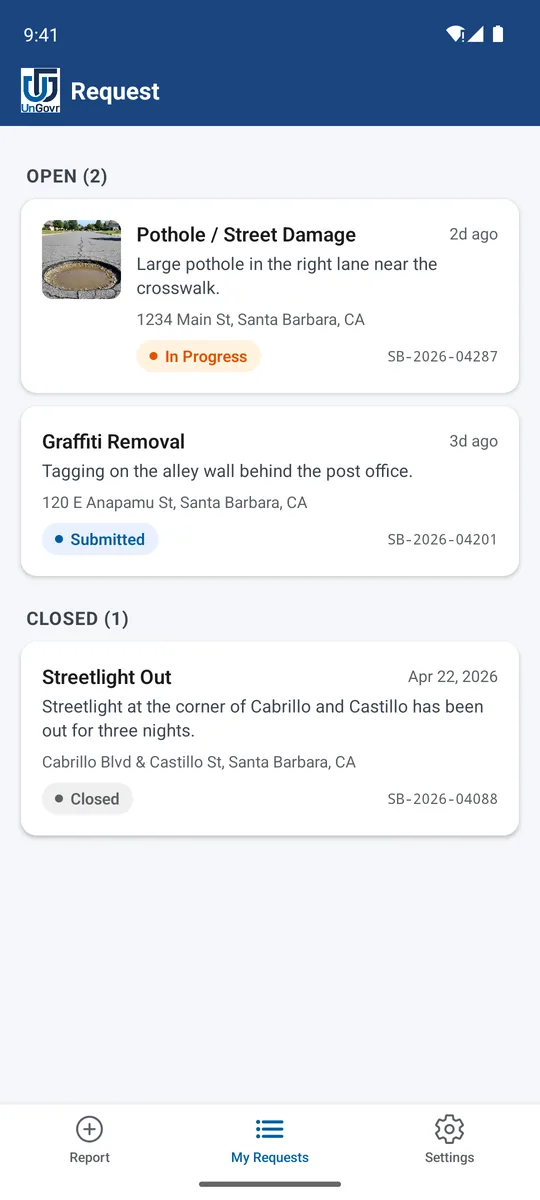
Status changes and messages from the agency land in one thread, under a case number you can quote back to them.